
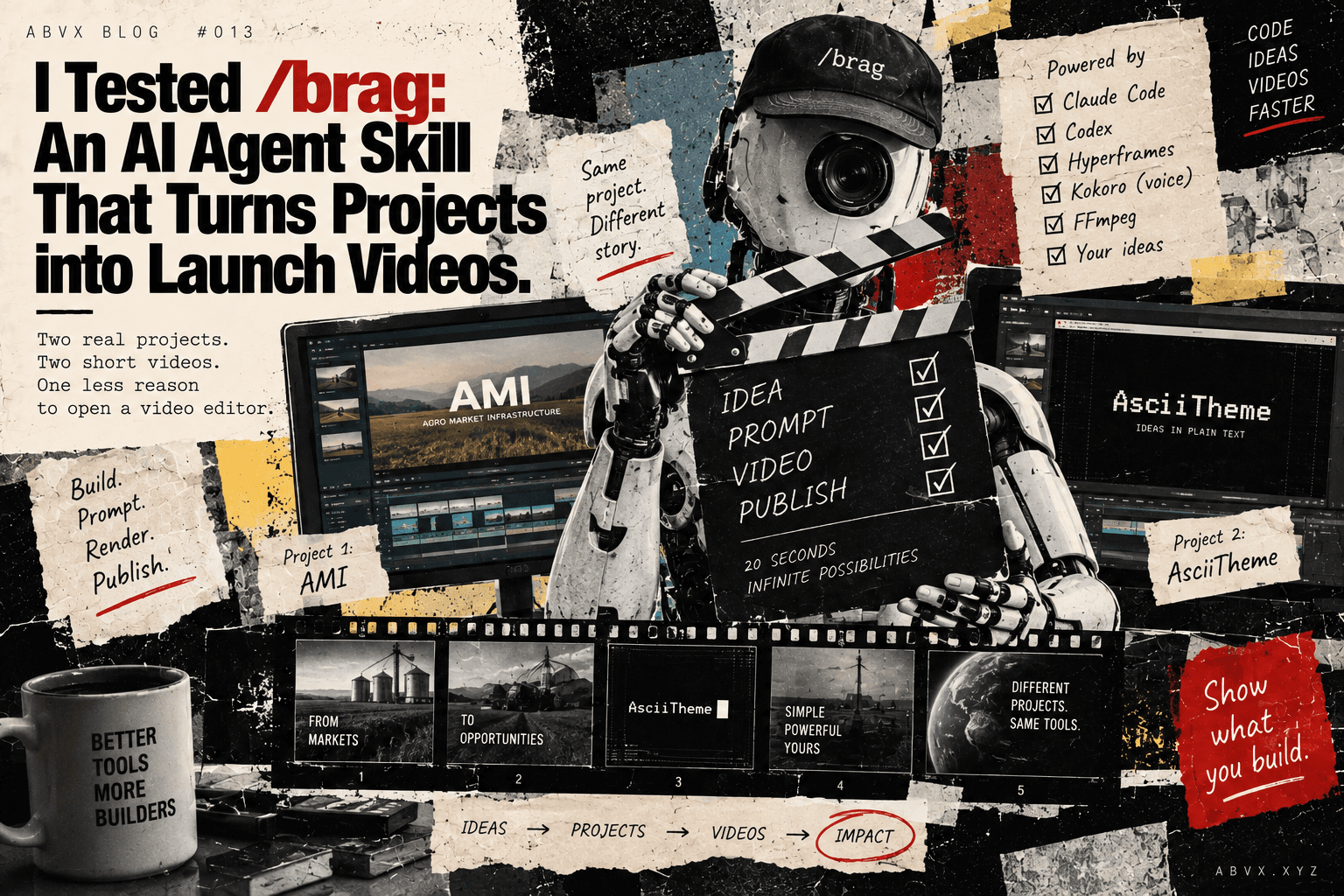
Two real projects, two short videos, and one less reason to open a video editor.
I build quite a lot of things.
Websites, AI tools, business systems, experimental interfaces, publishing infrastructure, and occasionally something that probably didn't need to exist but seemed interesting enough to build anyway.
Creating these things has become considerably easier with AI coding agents.
Explaining what I've built is another matter.
A project might take a day to prototype, another day to refine, and then somehow require an entire afternoon just to produce a short promotional video.
You need screenshots.
A script.
Some movement.
Music.
Transitions.
Perhaps a voiceover.
And preferably something that doesn't look like an internal PowerPoint presentation from 2008.
So when I came across /brag, an open-source agent skill that promises to turn a software project into a short launch video, I was interested.
The proposition is almost suspiciously simple.
You've built something.
Tell your coding agent to brag about it.
Get a video.
Naturally, I wanted to try it.
What is /brag?
/brag is an agent skill developed by the latent-spaces project.
Instead of treating video production as a separate creative workflow, it brings the process directly into an AI coding environment.
The agent examines the project, identifies what might be interesting to communicate, develops a short presentation and produces a video with motion, music and supporting copy.
The typical target is approximately 20 seconds.
Which is reasonable.
Most software projects don't need a three-minute cinematic trailer to explain that somebody has built a better settings panel.
The original workflow uses Hyperframes to produce the video.
There's also a more recent /brag-slim mode, designed for Claude Opus 5.5, where the agent handles production using the tools available in its environment.
The full version can also generate narration using Kokoro when the --voice option is enabled.
And the skill isn't restricted to Claude Code. It supports Codex and other agents capable of working with Agent Skills.
The particularly useful part is that the output isn't limited to a video.
The workflow also produces planning material and shareable promotional copy.
In other words, it's not simply a video renderer.
It's a small product-launch workflow.
I tried it on two completely different projects
Rather than use a generic example, I decided to test the approach with two of my own projects.
The first was AMI, Agro Market Infrastructure.
AMI is an ecosystem connecting several systems I'm developing for physical agricultural commodity markets, including brokerage software, commodity indices, market intelligence and operational infrastructure.
Not exactly the easiest thing to explain in twenty seconds.
There are multiple products, several layers of functionality and quite a lot of industry-specific terminology.
A much more visually oriented project, where the presentation of the interface and its design language matter considerably more.
These two projects made an interesting pair.
One is a fairly complex business infrastructure concept.
The other is much closer to a visual software product.
If an automated launch-video tool is useful, it should be able to work with both.
And we managed to produce two videos.
Test 1 — AsciiTheme
The first generated launch video:
Test 2 — AMI
The second generated launch video:
Both are real outputs from our experiment, not examples supplied by the tool's developers.
They also demonstrate something I find increasingly interesting about AI-native creative workflows.
A few years ago, building the software and producing its presentation were almost entirely separate activities.
Now they can happen inside the same working environment.
The part that worked
I liked the results.
Not because an AI-generated video is automatically better than something produced by an experienced motion designer.
It isn't.
And certainly not because twenty seconds of animation can explain every aspect of a complicated product.
It can't.
What impressed me was the practicality.
The gap between having a working project and having something presentable became much smaller.
You don't necessarily need to leave the development environment, collect screenshots, prepare a separate storyboard, open a video editor and manually assemble everything.
The agent can take responsibility for much of that production process.
And because the workflow begins with the project itself, it can use the actual product as the starting point rather than relying exclusively on a marketing description written afterwards.
That matters.
One of my recurring annoyances with promotional content is the amount of work involved in explaining something I've already spent considerable time building.
I'd rather work on the product.
But products also need to be presented.
And this is a useful compromise.
Twenty seconds is enough for a first impression
I don't think these videos should replace proper product demonstrations.
If someone is seriously evaluating an ERP system, they will eventually want documentation, functional explanations, perhaps a demo and an opportunity to ask questions.
A short launch video doesn't solve those requirements.
But it can solve another problem.
Getting somebody interested enough to investigate.
For a software project, twenty seconds can be sufficient to communicate its general purpose, visual identity and a few central ideas.
For a personal website like ABVX, that's particularly useful.
I have a growing catalogue of projects across different industries.
Some have their own landing pages.
Others have GitHub repositories.
Some are commercial products.
Others are experiments.
A short video can help visitors understand what they're looking at before deciding whether to explore further.
And I can reuse the same asset elsewhere.
YouTube.
A project page.
A social post.
A product announcement.
One production process, several distribution channels.
That's a reasonable return on effort.
It also changes how I think about project documentation
There's another interesting aspect.
We're increasingly asking AI agents not only to build software but also to explain what they've built.
Write documentation.
Prepare release notes.
Generate screenshots.
Produce product descriptions.
And now, create short launch videos.
These activities used to sit in different parts of an organisation.
Development.
Design.
Marketing.
Documentation.
Video production.
Today, they can increasingly become different outputs of the same agentic workflow.
The human still needs to decide whether those outputs are accurate, useful and worth publishing.
I wouldn't let an agent invent product capabilities just because they look impressive in a video.
And generated promotional material still needs reviewing.
But the mechanics of production are becoming much easier to delegate.
That's exactly the kind of change I find interesting in AI-native work.
Not another AI button added to an existing application.
A workflow that can disappear almost entirely from my personal to-do list.
Would I recommend it?
Yes.
Particularly if you're an indie developer, an AI-assisted builder, a small software team or someone who regularly creates prototypes and needs to present them.
It's not a replacement for a complete marketing strategy.
It's not a replacement for a professional production studio when the project justifies one.
And I wouldn't automatically publish every generated video without checking it.
But for producing a short, shareable introduction to something you've just built, /brag is a genuinely useful tool.
More importantly, it fits naturally into the way I already work.
Build something with an agent.
Review the result.
Prepare the release.
Generate a short presentation.
Publish.
I don't need to turn every one of those steps into a separate creative production project.
And that, to me, is the real value.
Not that AI can make another video.
It's that presenting something you've built no longer has to become a project of its own.
Try it yourself
The project is open source:
GitHub: https://github.com/latent-spaces/brag
For Codex, the repository documents installation through its plugin system:
codex plugin marketplace add latent-spaces/brag
codex plugin add brag@brag
Alternatively, the portable skill can be installed with:
npx skills add https://github.com/latent-spaces/brag --skill bragThe classic workflow requires Node.js 22+, FFmpeg and Hyperframes CLI.
You can check the rendering environment using:
npx hyperframes doctorThen invoke /brag from your project.
You can also specify a tone, for example:
/brag --tone "fake Series A launch from 2016"The /brag-slim workflow is available separately for supported environments and does not require Hyperframes.
The repository's README documents both approaches.
And if you want to see what the results look like outside the original examples, the two videos above were produced while testing the tool on my own projects.
Related: How I Work With AI Agents in 2026.