AGENTS.md Generator
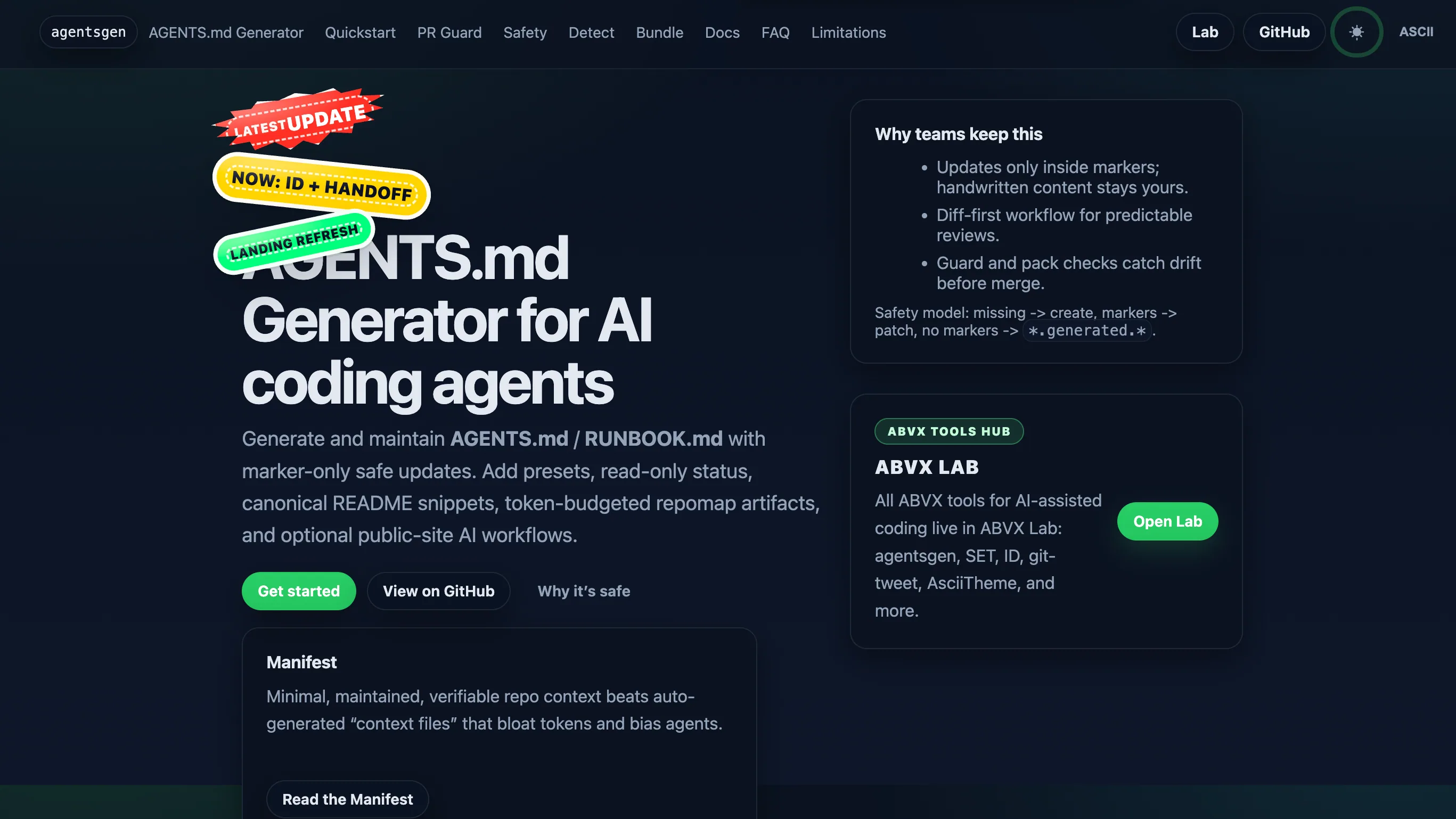
Generate, preserve, and verify lean AGENTS.md, RUNBOOK.md, and machine-readable repository context for AI coding agents.
What it is
AGENTS.md Generator creates a compact startup contract for AI coding agents, then preserves project-specific instructions across updates. It can generate and verify:
- a lean `AGENTS.md`,
- an operational `RUNBOOK.md`,
- and machine-readable repository context.
The tool is designed for repeatable repository onboarding and complements SET's orchestration layer, ABVX Agent Skills' reusable execution workflows, ID's policy contracts, and Git Tweet's release communication.
A reproducible command-drift example
A coding agent can follow a perfectly readable instruction that is no longer true. Suppose a Node repository documents npm test, but a later change removes the test script from package.json. My Generator demonstration checks that specific failure rather than trying to score the agent's output.
Using agentsgen 0.5.1 on temporary fixtures, I reran the public demonstration on 9 October 2026. The implementation checked was source revision 8b4ad54. The valid command reference returned exit code 0. After deleting the test script from the fixture manifest, the same check returned exit code 1. The checker reads project files; it does not execute the project's test command.
To reproduce the case with that version installed:
- Create a disposable directory. Add a package.json manifest with a test script whose value is node --test.
- Inside that directory, run agentsgen init . --defaults --autodetect, then agentsgen check . --ci. Review the detected commands in .agentsgen.json. The initial check should pass.
- Remove the test entry from package.json without updating the generated instructions or configuration. Run agentsgen check . --ci again. The missing command should cause exit code 1.
- Restore the script, or deliberately choose and review a replacement in the configuration before regenerating the managed sections. Changing the instructions cannot establish that the replacement tests actually pass; run the project's own checks separately.
The public demonstration script automates this case and the two cases below. From a checkout of that revision, python scripts/release_smoke.py --output demo/results.json runs against the installed CLI and writes the results. These commands do not require an API key.
What the same rerun confirmed
- Handwritten instructions survived. Initializing a fixture with an existing unmarked AGENTS.md kept its original bytes unchanged and offered an AGENTS.generated.md sibling. The comparison used file bytes and a SHA-256 hash, not a visual similarity judgment.
- A clean start stayed repeatable. In a fixture without a README, the generated AGENTS.md contained 125 lines. Running the full fix a second time changed zero files, and the full check returned exit code 0.
- The boundary stayed explicit. These are checks of file preservation, command-reference drift and repeatability on small fixtures. They do not measure token savings, AI task accuracy, or success on an arbitrary repository.
A small adoption workflow
Start with one repository and review the detected configuration before committing generated output. For later changes, agentsgen update . --dry-run --print-diff lets you inspect the proposed patch. Adopt the sections you need; keep handwritten rules outside the managed markers. A CI check can flag stale references, while your build and tests remain the evidence that the software works.
For source instructions and installation options, use the project README. For the next layer, see SET and ABVX Agent Skills; neither is required for this standalone CLI example.
Adjacent systems and publishing.