
Framewright Studio Notes 05 · 21 November 2026 · Special edition
The moment I most wanted to see in a vertical cut of BuyMore was the parcel at the door. It pays off the whole shopping joke. A service can identify that moment and still deliver a short I would send back to the edit. Testing Klap and OpusClip helped me separate the two decisions.
I used Klap Pro and the free OpusClip Pro trial. Klap provided Pro access, and I have an affiliate relationship with the service. The OpusClip exports carried a trial watermark. These were the plans I used, so the comparison describes my results under those conditions.
A documentary passage and a shopping joke
On AllWeb3, a documentary-style explainer, Klap suggested two clips and OpusClip suggested three. The first OpusClip candidate opened directly on the campaign brief, which made it a useful passage to review in isolation. I lined up both exports against the same six seconds of the source. The captions were readable, but the small details on the illustrated document remained small. Both exports had kept a wide picture inside a taller frame with blurred space around it.
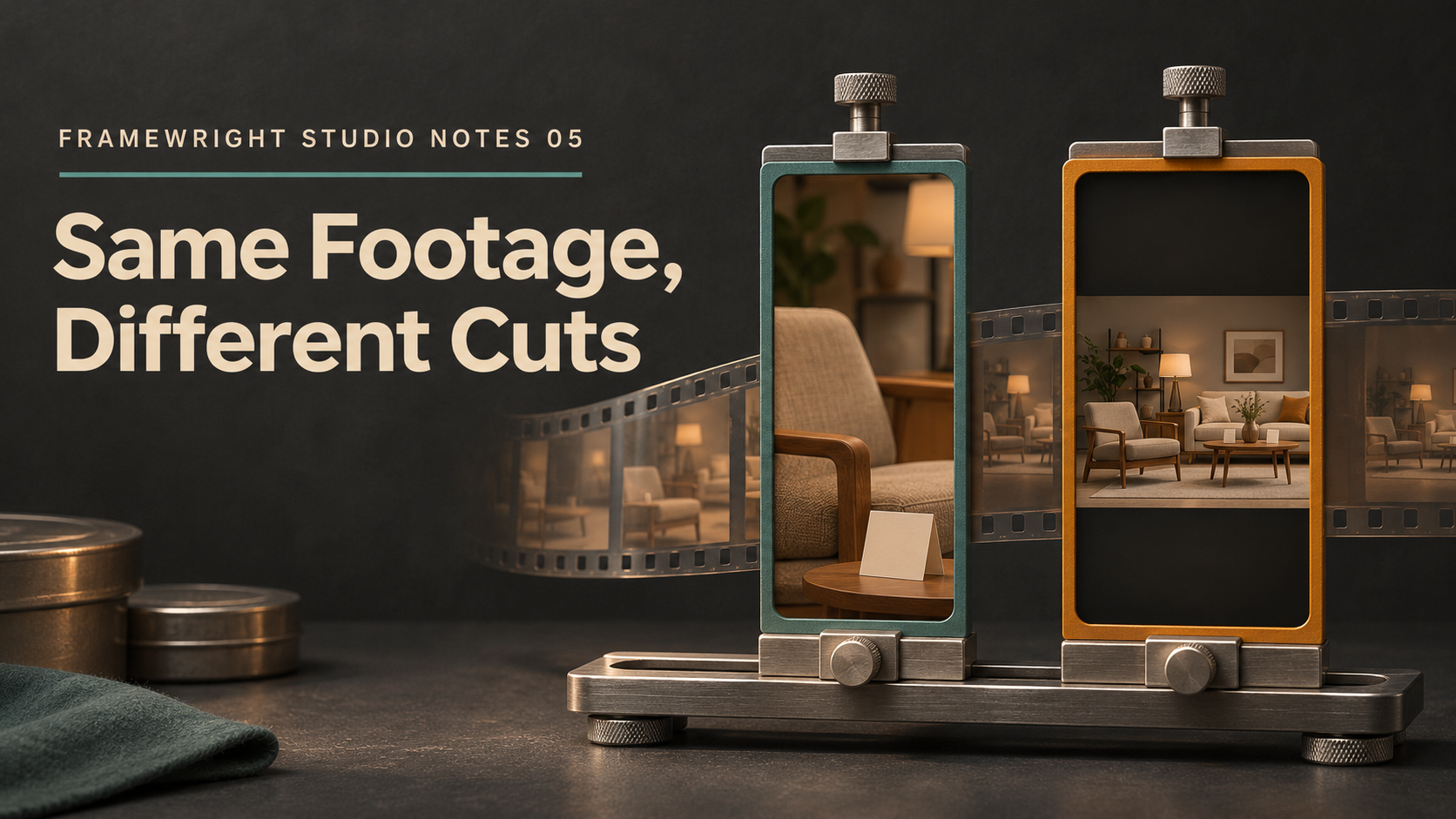
BuyMore needed a different test. The comedy relies on seeing what the shopper sees, especially the price and the checkout. Klap returned nearly the whole short when I asked for the ending. I made a shorter edit manually and tightened the crop over the storefront. OpusClip's automatic Fit kept more of the store visible, at a smaller size. I synchronized six seconds of the two exports so the difference was visible. The crop on the Klap side was my decision. The comparison shows what each layout gives up on a phone.
I also ran a separate silent BuyMore test in OpusClip. I asked it to find the door and parcel and leave out the end logo. It put the right scene first, kept the checkout as a lead-in and caught the beginning of the logo anyway. I'd use that result as a place to start trimming. The extra second is easy to miss if I only read the clip title.
Useful features still need their own checks
OpusClip put generated stills and text effects on separate tracks. One still reimagined a fictional product instead of showing the original design, which would be an editorial problem in a product demo. The French test did produce audible French in the exported file. I verified the presence of the French track and left delivery quality and sync open. The XML package contained the referenced media and captions. Import into Premiere or Resolve, relinking and timeline fidelity remain open.
Klap gave me useful ways to audition a speech-led excerpt, reuse a caption preset and make a manual crop. The automatic portrait compositions and the speaker switching I checked fell short of what I wanted for the studio. I closed the evaluation without adding either service to my regular production workflow. Each tool still did something I can show and explain.
How I would test the next clipping tool
I would pick two sources that fail in different ways. Give one a strong spoken passage and the other a payoff carried by the picture. Mark the lines, objects or actions the viewer needs. Save the automatic output before making changes. Then compare the same few seconds of the actual exports and write down every manual crop, trim or insert. Review an unmuted export at phone size before deciding whether to publish it.
In Framewright I can keep the source window, both exports and the decision in the production record. In any editor I can use timeline markers, a versioned folder and a short table with the same observations. In either setup I want one clear answer per test. Did it find the moment? Could I read the price? Did the full joke survive the cut?