
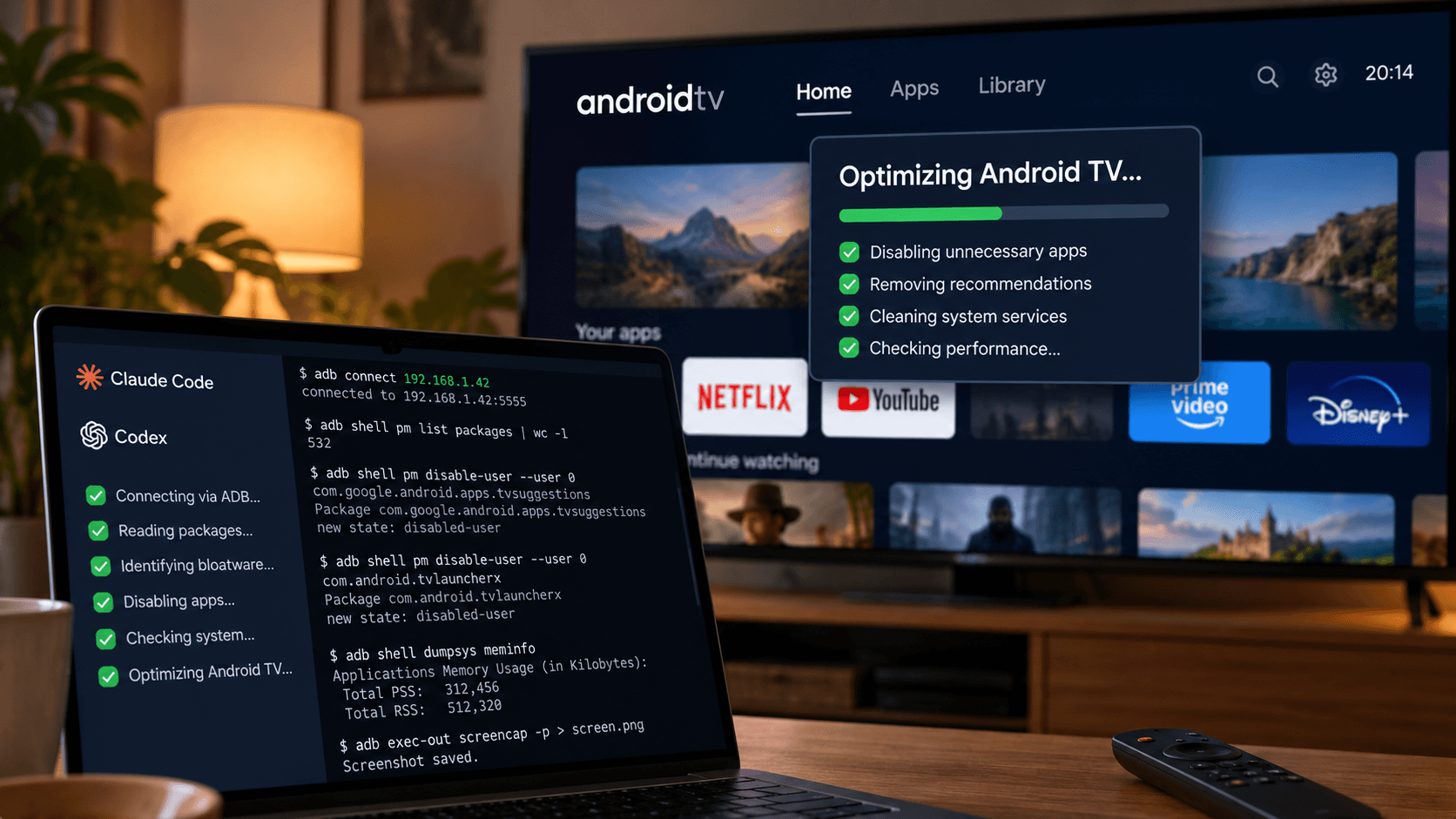
An Android TV, ADB, Claude Code or Codex, and a potentially useful way to remove unwanted software without rooting the device.
I have an Android TV.
And like many Android TV owners, I'm not particularly enthusiastic about the amount of unnecessary software that manufacturers manage to squeeze into a device whose primary responsibility is displaying moving pictures.
Recommendations.
Promotions.
Sponsored content.
Preinstalled applications.
Background services.
More recommendations.
Somewhere underneath all that, there's apparently a television.
I've been meaning to clean mine up for a while.
But manually investigating Android system packages is not exactly how I want to spend a Saturday afternoon.
Fortunately, I recently came across an interesting idea.
Let an AI coding agent investigate and clean up the TV.
Not by installing another miraculous "TV Booster" application that probably consumes more resources than it saves.
By connecting directly to Android through ADB.
And asking an agent to do the technical investigation.
I haven't tested this on my television yet. We're still settling into our new apartment, and I have rather more immediate problems to solve.
But the approach looks interesting enough that I wanted to save it here.
Partly to share it.
Mostly so I can find it again when I finally get around to doing it.
Android TV is still Android
The interesting thing about Android TV and Google TV is that underneath the interface, they're running Android.
Which means they support many of the same development and debugging tools used with Android phones.
Including ADB, Android Debug Bridge.
ADB allows a computer to communicate with an Android device, inspect installed packages, retrieve diagnostic information and execute supported system commands.
Normally, you would need to understand those commands yourself.
But an agent such as Claude Code or Codex can help investigate the device, identify suspicious background services and prepare a controlled cleanup procedure.
The process is roughly:
- Enable developer options and debugging on the television.
- Connect the computer and TV through the local network.
- Let the agent inspect installed applications and running services.
- Identify potentially unnecessary packages.
- Review and approve proposed changes.
- Disable selected components and test whether everything still works.
The important word here is disable.
Not delete.
Android supports disabling packages for the current user with commands such as:
adb shell pm disable-user --user 0 PACKAGE_NAMEAnd, when necessary, enabling them again:
adb shell pm enable PACKAGE_NAMEThis is potentially much safer than randomly deleting system components, although disabling the wrong package can still break important television functions.
Which brings us to the interesting part.
Apparently, somebody has already built a workflow for this
The project is called cleanyourtv.
GitHub: https://github.com/Gathin23/cleanyourtv
It contains documentation, scripts and example configurations for various Android TV and Google TV devices.
The idea is to have an AI agent inspect the actual television rather than blindly execute a generic list of packages copied from the internet.
This matters because manufacturers customise Android extensively.
A service that looks completely unnecessary on one television might control HDMI switching, Wi-Fi, the remote or firmware updates on another.
And turning your smart TV into a very expensive black rectangle probably isn't the optimisation we're looking for.
The project includes restoration scripts and examples contributed for specific device models.
That seems like a sensible starting point.
The author of the instructions I found also reported recovering a substantial amount of available memory after disabling unnecessary services on their television.
An interesting anecdote, although I wouldn't treat those figures as a guaranteed result for other devices.
The actual benefits need to be measured.
And simply reporting more free RAM isn't necessarily evidence that the television has become faster.
Android uses available memory for caching, after all.
What I'd really want to measure is whether applications start faster, the interface responds more smoothly and the television remains stable.
There's also a better way to deal with the home screen
A large part of the Android TV experience is the launcher.
The application responsible for the home screen.
It's where manufacturers and Google place their recommendations, promotional content and various suggestions about what you should apparently be watching.
There are alternatives.
One is FLauncher, a free, open-source Android TV launcher with a relatively simple interface and no advertisements. Google Play
Another interesting option is Monet Launcher, which offers dynamic colours, configurable home-screen elements and other customisation features. Its GitHub repository distributes APK files rather than the complete source code. GitHub
I rather like the idea of a television that simply displays my applications.
No endless recommendations.
No complicated content discovery.
Just the things I actually use.
But replacing the default launcher is one of the more delicate parts of the process.
Some devices don't allow alternative launchers to become the default easily.
And disabling the original launcher before confirming that the replacement works can create an unpleasant recovery exercise.
So I'd approach that part carefully.
The prompt I'm saving for later
When I finally have time to try this, I intend to give Codex or Claude Code something along these lines.
I want to investigate and optimise my Android TV
using ADB and the cleanyourtv project:

https://github.com/Gathin23/cleanyourtv

My goal is to reduce unnecessary background activity,
remove unwanted recommendations where possible,
and improve interface responsiveness.

My TV:
Model: [TV MODEL]
Android / Google TV version: [VERSION]
IP address: [LOCAL IP]

Rules:

1. Start with a read-only audit.

2. Identify installed packages, disabled packages,
   background services and available memory.

3. Check the cleanyourtv repository for examples
   matching my exact TV model and firmware.

4. Do not assume that a package is safe to disable
   simply because another user disabled it.

5. Preserve core system functions:
   HDMI inputs, TV tuner, remote control,
   Wi-Fi, Bluetooth, Play services, system updates
   and applications I explicitly want to keep.

6. Do not use root, unlock the bootloader,
   uninstall system packages or modify firmware.

7. Before making changes, save the existing state
   and prepare a tested restoration procedure.

8. Show me a proposed list of changes with:
   - package name
   - actual function
   - reason for disabling
   - potential risks
   - exact rollback command

9. Ask for my approval before disabling packages
   or changing the default launcher.

10. Apply approved changes in small batches.

11. After each batch, verify basic functionality:
    home screen, remote navigation, HDMI inputs,
    networking, streaming applications and settings.

12. If something breaks, restore the previous state.

13. Compare objective measurements before and after,
    including memory use and interface responsiveness
    where reliable measurements are possible.

14. Produce a log of every change and a restore script.

15. Remind me to disable ADB debugging when finished.

Do not claim improved performance without evidence.

Do not proceed with uncertain or potentially
irreversible operations without my explicit approval.
I prefer this approach to giving an agent a massive list of commands and hoping it knows what it's doing.
The agent can investigate.
It can suggest.
It can explain.
But the owner of the television should still approve changes that might affect its functionality.
And every change should have a clear way back.
Another example of AI doing the technical homework
What interests me here isn't really television optimisation.
It's the workflow.
I have a technical problem.
I find a project where other people have already investigated similar problems.
I give an agent access to the relevant documentation and, eventually, the actual device.
It gathers information.
Proposes a solution.
Tests the result.
And documents the changes.
This is a much more useful application of AI agents than asking a chatbot to produce a generic list of tips for making Android TV faster.
The difference is access to the real system.
Of course, the agent still needs supervision.
And results may vary considerably depending on the device.
But I like the general approach.
When I've finished setting up our new apartment, I'll try it on my own television.
Maybe I'll experiment with an alternative launcher too.
And perhaps, eventually, see whether a local AI model has any useful role to play on the device.
Although that's a different experiment entirely.
For now, this is simply a project I'm saving for later.
One less technical problem to research from scratch when I finally have a free afternoon.